01 / THE BENEFIT↗
Free up the phone.
Let guests order online so staff spend less time taking orders by phone.
BUILT FOR INDEPENDENT RESTAURANTS
Customers order pickup from your menu online. Your team sees each order and gets it ready. Fewer phone calls, more time for guests.
WHY BITES PICKUP
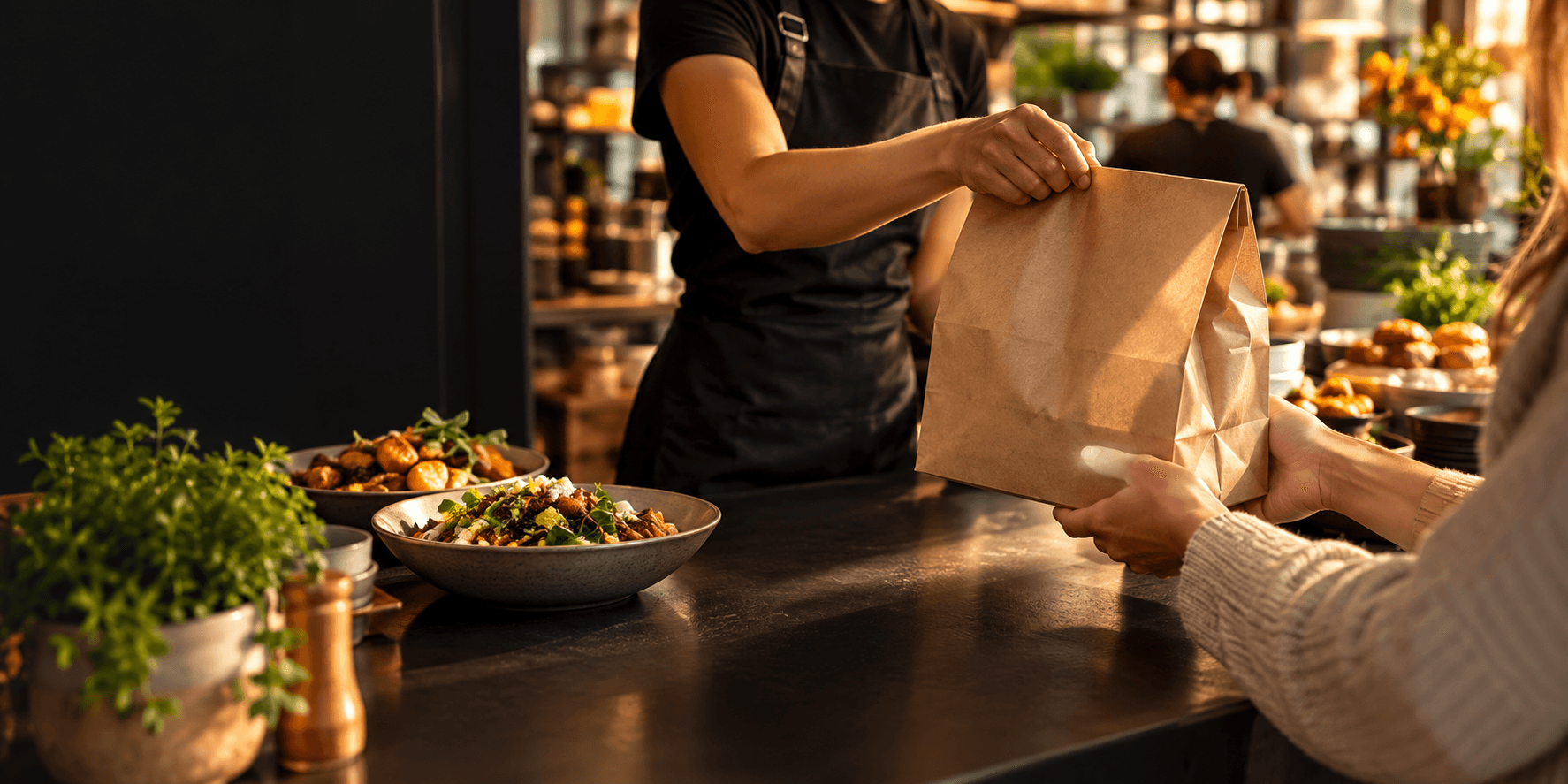
Give guests a simple way to order pickup and give your staff more time to focus on service.
Let guests order online so staff spend less time taking orders by phone.
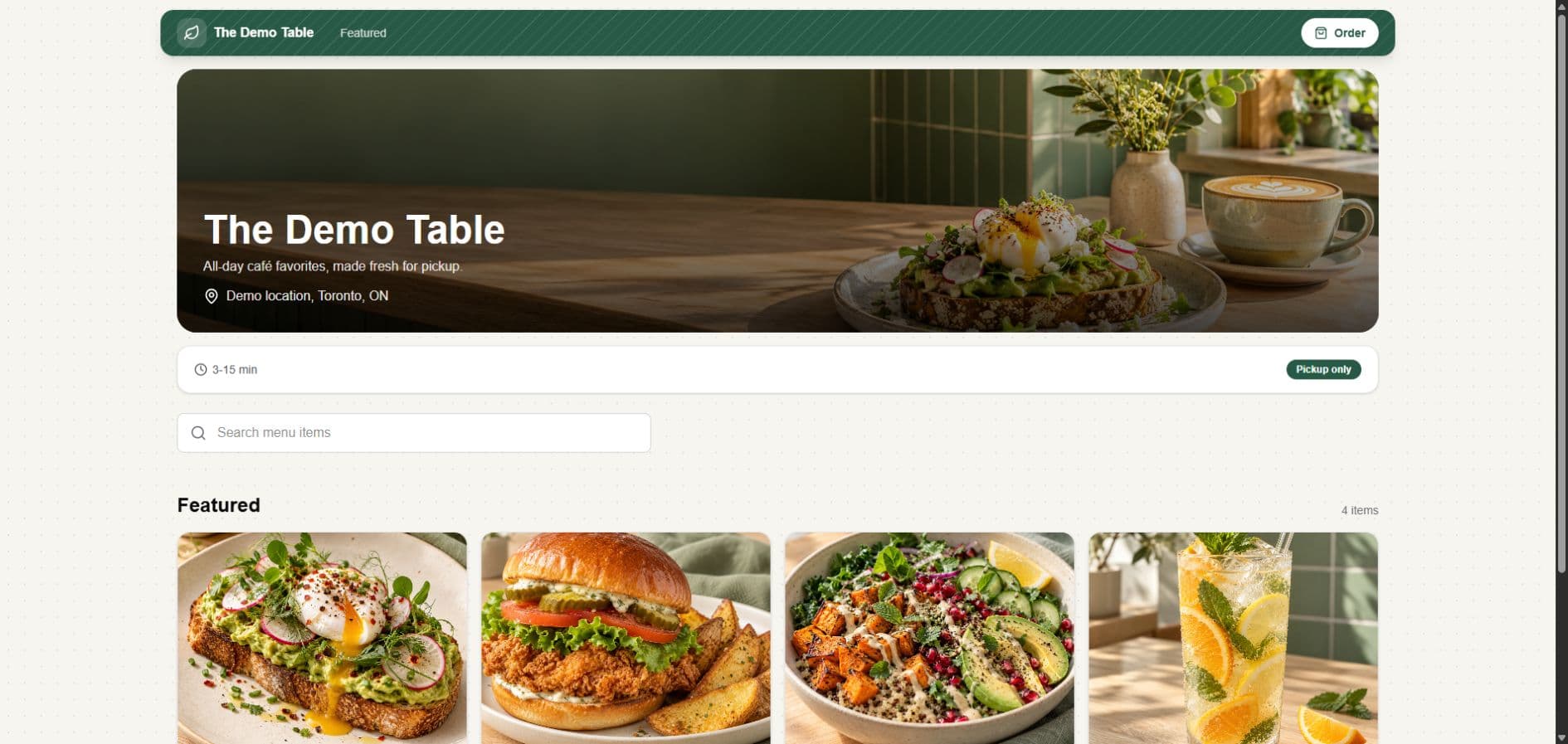
Give customers an ordering page with your restaurant, menu, and photos.
Give staff the order details they need when pickup gets busy.
SEE THE PRODUCT
Guests browse your menu, choose their food, and place a pickup order. Your staff receives it in the tablet app.
Your restaurant. Your name, photos, and menu on the ordering page.
Your menu. Keep items, options, and availability current.
Your team. Incoming orders arrive with the details staff need.
THE FEATURES
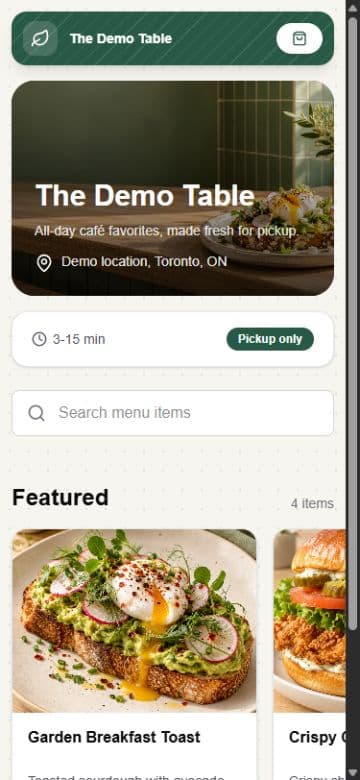
These screens show the ordering page, item options, staff tablet, and deals editor.
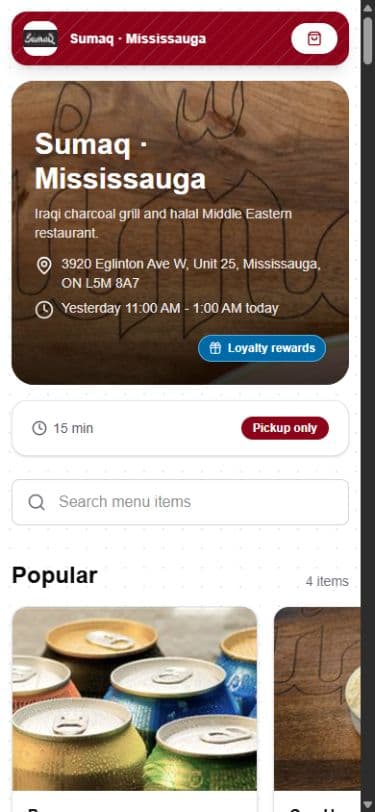
Customers browse your branded page and order pickup online.
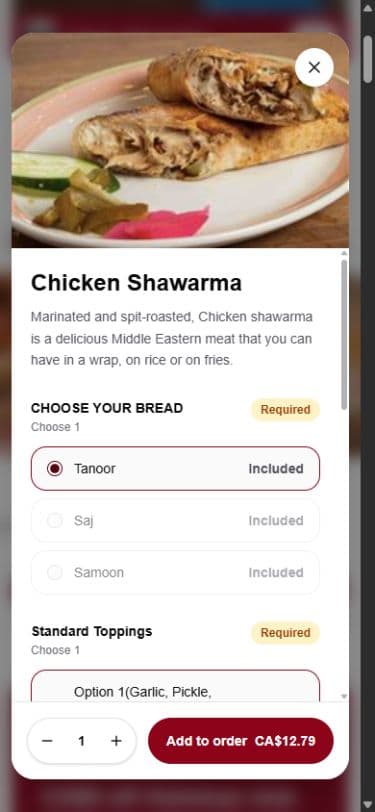
Show choices and add-ons before a customer places an order.
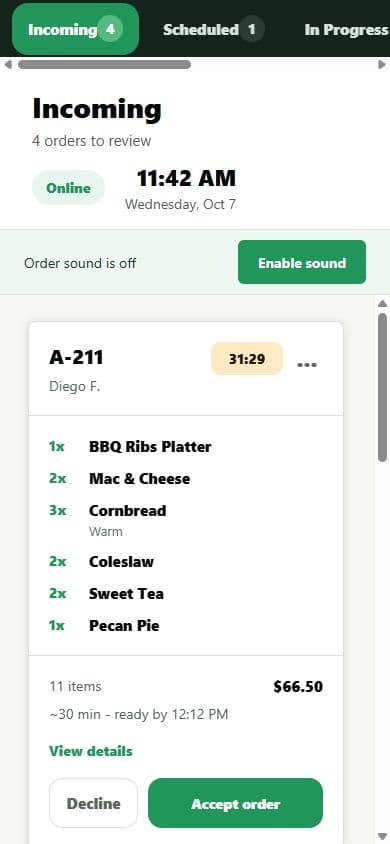
Staff can review and accept incoming pickup orders.
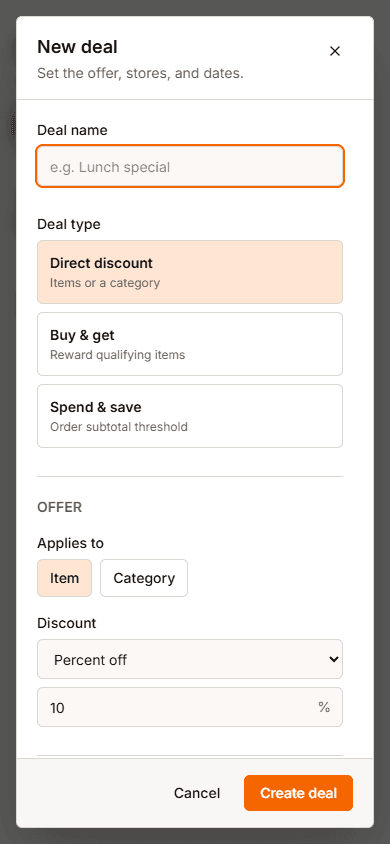
Create an offer and choose when it runs.
HOW IT WORKS
From the ordering link to the pickup counter.
Add it to your website, social pages, or wherever customers find you.
They choose their food and pickup options from your menu.
Staff see the order on the tablet and prepare it for pickup.
LET'S TALK
Tell us about your restaurant and we'll walk you through the ordering page and staff tools.